
Most text you read every day relies on prebuilt letters, yet there is a flexible layer underneath that lets you build custom marks yourself. Learning how to use unicode combining characters opens that layer and gives you direct control over accents, underlines, strikes, and phonetic symbols without switching fonts or installing special software.
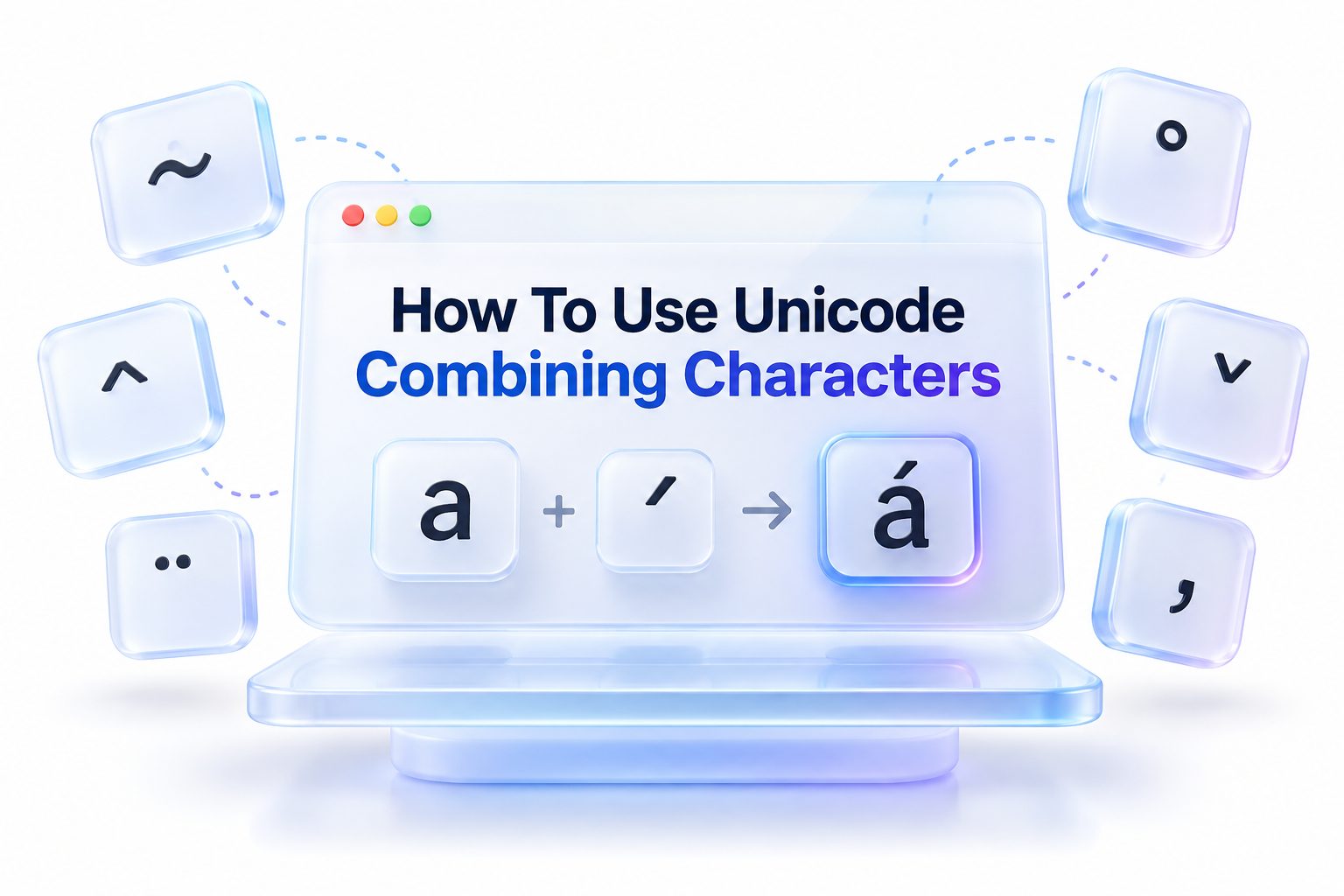
A combining character is a code point that attaches to the letter before it instead of standing alone. You type a normal base letter, then add one or more marks that position themselves above, below, through, or beside it. The result looks like a single styled glyph to the reader.
This method is useful for language study, name spelling, math notation, creative social posts, and fixing text when a needed accented letter does not exist as a single key. With a little practice, you can produce accurate marks on desktop, mobile, and the web.
What Unicode Combining Characters Actually Do
A standard Unicode letter like e or n occupies its own space and advances the cursor. A combining mark behaves differently. It has zero width by itself and borrows position from the previous base character. When rendered correctly, the two code points merge visually into one unit.
That distinction matters because the underlying text still contains two separate values. Visually you may see é, but the file may store e plus U+0301 COMBINING ACUTE ACCENT. Search, sorting, and spelling checks treat that sequence differently than a precomposed é, even when the appearance is identical.
For background, see [Internal Link: Unicode Text Encoding Basics] for context on code points and normalization.
How Combining Marks Attach to Base Letters
Attachment follows a simple order rule. You always place the base character first, then the combining mark or marks immediately after it. The sequence a + U+0303 becomes ã, while reversing the order leaves a floating mark that may appear as a dotted circle or broken box.
Multiple marks can stack on the same base. Linguists often add tone plus nasalization plus length to a single vowel. Rendering engines apply them in order, one layer at a time. Some stacks display cleanly, while others become crowded if the font lacks good anchor points for positioning.
Common Types of Marks Used in Everyday Text
The most familiar group is diacritics for European languages. Acute, grave, circumflex, tilde, diaeresis, cedilla, ogonek, caron, macron, and breve all exist as combining forms in the U+0300 to U+036F range. They let you spell résume, façade, Łódź transliterations, or Yoruba tones with precision.
A second group adds overlays and enclosures. Combining long solidus overlay, combining enclosing circle, combining enclosing box, and combining double low line are popular for stylistic effects, proofreading marks, and math. A third group covers phonetic and scholarly needs, such as mid dots, bridges, and corner marks for transcription.
Key Facts About Combining Character Ranges
- Core diacritics live in Combining Diacritical Marks, U+0300 to U+036F, covering most accents for Latin, Greek, and Cyrillic
- Extended marks for African, Vietnamese, and phonetic use live in Combining Diacritical Marks Extended and Supplement
- Enclosing marks like circle and square use U+20D0 to U+20FF and draw around the base letter
- Half marks like U+FE20 to U+FE2F allow left and right parts to join across two letters
- Default rendering for an isolated mark uses a dotted circle placeholder to show position
Setting Up Your Keyboard and System for Diacritics
You do not need special hardware to start. Modern operating systems already include Unicode support and fonts with broad mark coverage such as Arial, Calibri, Noto, DejaVu, and Apple system fonts. The missing piece is usually an input method that lets you enter code points by number.
On Windows, enable the Unicode Hex input option through PowerToys or install WinCompose for mnemonic sequences. On Mac, enable the ABC Extended layout or the Unicode Hex Input source. On Linux, the Compose key and Ctrl+Shift+U hex entry work out of the box in most desktop environments.
Once enabled, test with a safe sequence like e followed by U+0301. If you see é, your font and renderer are handling attachment correctly. If you see e plus a separate floating accent, try a different font or application with stronger OpenType mark positioning.
Typing Combining Characters on Windows and Mac
On Windows with no extra tools, the Character Map utility remains reliable. Open Character Map, check Advanced view, search for combining, click the mark, copy it, then paste directly after your base letter in Word, Notepad, or a browser. The order in the clipboard matters, so do not add spaces between parts.
A faster path is Alt+X in Word and LibreOffice. Type 0301 after an e, press Alt+X, and the hex converts to a combining acute. Power users prefer WinCompose, where Compose plus apostrophe plus e gives é, and custom sequences can be defined for rare stacks.
On Mac, the Option key covers common accents, but full control comes from Unicode Hex Input. Switch to that source, hold Option, type 0303 after an o, and you get õ. Text replacement in System Settings can also store frequent combinations for names or fieldwork symbols.
Typing Combining Characters on Mobile Devices
Mobile keyboards hide code point entry, so copy and paste plus custom shortcuts work best. Save useful sequences in Notes, such as a + U+031B for ơ or o + U+0323 for ọ. When you need them, copy the combined pair and paste into your message, document, or social caption.
Android users can install Gboard plus a Unicode utility app for direct U+ search. iOS users can create Text Replacements for frequent stacks, like replacing ;doubleslash; with a combining overlay. Keep stacks short on mobile because small screens and varied fonts increase the chance of misalignment.
For language reference, see [Internal Link: Typing Special Accents and Diacritics] for keyboard layouts and shortcuts.
Steps to Type Your First Combined Letter
1. Pick a base letter that will carry the mark, for example n, a, e, or o
2. Find the code for your mark, such as U+0303 for combining tilde or U+0327 for combining cedilla
3. Type the base letter first in your editor and leave the cursor directly after it
4. Insert the mark by hex entry, Character Map, or paste with no space in between
5. Check the visual result and test deletion, since Backspace should remove the mark first, then the base
6. Save as UTF-8 and test in another app to confirm the sequence travels correctly
Using Combining Characters in HTML and Web Content
HTML pages encoded as UTF-8 can include combining marks directly. You can paste e + combining acute into your content management system and it will publish as é if the page charset is set correctly. Verify that your editor saves files as UTF-8 without BOM changes that could split the sequence.
Numeric character references offer a more explicit route. Write a followed by ́ for acute, ̃ for tilde, or ̣ for dot below. The browser combines them at render time. Named entities are less useful here because most combining marks have no short entity name.
Test web output across browsers and devices. Chrome, Safari, Firefox, and Edge all support mark positioning, but line height, custom web fonts, and text truncation can clip tall stacks. Choose web fonts with strong diacritic support, such as Noto Sans, Source Sans, or Charis SIL for linguistic content.
Working With Combining Characters in Code and Databases
In Python, JavaScript, and most modern languages, strings are sequences of code points, not visual glyphs. The string len of e + U+0301 is two, even though it displays as one letter. That affects validation, slicing, cursor movement, and character limits in forms and social apps.
Normalization controls whether text uses combined or precomposed forms. NFC merges sequences into single code points where possible, while NFD splits them into base plus marks. Python unicodedata.normalize, JavaScript String.prototype.normalize, and database collations all depend on this choice. Pick one form for storage and stick with it.
Databases need matching collation and UTF-8 settings. MySQL utf8mb4 with a Unicode collation, Postgres with UTF-8 encoding, and SQLite with proper LIKE handling will treat café spelled two ways as expected only if normalization is consistent. Normalize on input, before comparison, and before creating unique indexes.
Comparison of Precomposed and Combining Approaches
Feature | Precomposed Letter | Base Plus Combining Mark
Best use | Common Western text, general publishing | Rare accents, tones, stacks, scholarly notation
Example | U+00E9 for é | U+0065 U+0301 for e plus acute
Input ease | Simple with standard keyboards | Requires hex entry or paste
Font support | Very wide across fonts | Good in quality fonts, uneven in decorative fonts
Search behavior | Matches directly in most engines | May need normalization to match precomposed form
Portability | High for major languages | High if saved as UTF-8, lower if app strips marks
Practical Creative Uses for Accents and Overlays
Language learners use combining marks to show tone without changing spelling. Vietnamese, Yoruba, Pinyin, Navajo, and Ancient Greek all benefit from precise placement of acute, grave, macron, dot below, and breathing marks. You can annotate a familiar alphabet instead of learning a new script for drafts.
Editors and teachers use strikes and underlines for revision. A combining long stroke overlay can show deletion, a combining double low line can flag grammar, and a combining enclosing circle can highlight a key letter in a worksheet. These marks copy with the text, unlike image annotations.
Social creators use light styling for emphasis, such as a subtle underline or dot pattern on a brand word. Keep effects readable and limited to one mark per letter. Heavy Zalgo-style stacking with dozens of marks looks glitchy, breaks screen readers, and often gets collapsed by platform filters.
Phonetics and Math With Stacked Symbols
H3 Scholarly Transcription Made Precise
The International Phonetic Alphabet and Americanist notation rely on small bridges, corners, rings, and voicing marks. Combining U+032A for dental bridge, U+031F plus U+0320 for retraction, or U+030A for voicelessness lets you transcribe subtle contrasts without image files. SIL fonts render these stacks more accurately than default system fonts.
H3 Math and Technical Notation Without an Editor
Technical writers use combining overlines, underlines, arrows, and dots to mark vectors, means, derivatives, and repeating decimals. The sequence x + U+0305 for overbar or x + U+20D7 for right arrow above works inside plain text comments, code docs, and chat where LaTeX is unavailable. For formal papers, switch to MathML or LaTeX for alignment and scaling.
Fixing Broken Rendering and Stacking Problems
Broken output usually falls into three patterns. Dotted circles mean the mark has no base before it. Boxes mean the font lacks that mark. Misaligned or clipped marks mean the font lacks anchor data or the line height is too tight. Identifying the pattern points directly to the fix.
Start by checking order and encoding. Make sure there is no space, line break, or formatting tag between base and mark. Save and reopen as UTF-8. Then switch to Noto, DejaVu Sans, Charis SIL, or another font known for mark support. Increase line height slightly if tall stacks touch the line above.
If text looks fine in your editor but breaks online, the web font may be subsetted. Many performance-optimized fonts drop combining ranges to save size. Load the full diacritic subset or set a fallback stack that includes a system font with complete coverage for U+0300 to U+036F and U+20D0 to U+20FF.
Common Mistakes That Produce Messy Results
- Typing the mark before the base letter, which leaves a dotted circle placeholder
- Adding a space between base and mark, which prevents attachment
- Stacking five or more marks for style and causing clipping on mobile
- Saving files as ANSI or Latin-1, which drops or corrupts marks outside the old range
- Mixing precomposed and decomposed forms in the same database column
- Using decorative fonts that lack OpenType mark anchors for precise placement
- Copying glitch text from generators without checking screen reader output
Accessibility and Search Implications of Custom Marks
Screen readers announce combining sequences literally. One visual é built from two code points may be read as e with acute, while heavy overlays may be read as letter with multiple confusing modifiers. Keep essential information in plain words and use styled marks only for decoration that can be lost without harm.
Search engines and in-page find also depend on normalization. A resume spelled with combining acute may not match a query typed with precomposed forms unless the platform normalizes both sides. For job titles, product names, and headings, prefer standard precomposed letters to protect findability and use combining forms mainly in body examples or linguistic data.
If you publish learning materials, provide a plain spelling alongside the marked form on first use. That helps voice search, translation tools, and text-to-speech systems handle the term. It also helps readers who copy text into apps with weaker rendering support.
Best Practices for Clean and Portable Text
Consistency matters more than cleverness. Decide whether your project stores NFC or NFD, document it, and normalize at import. Limit stacks to two or three marks unless scholarship requires more. Choose fonts early and test them with your exact languages, not just English samples.
Keep a small library of tested sequences for names, terms, and symbols you reuse. Store them in a UTF-8 snippet file with labels, then copy from that source instead of retyping hex each time. Version control systems handle these sequences well as long as every editor in the workflow uses UTF-8.
When sharing files, prefer PDF with embedded fonts or HTML with full font subsets for final delivery. For editable drafts, DOCX, ODT, and plain UTF-8 TXT preserve marks better than legacy formats. Always run a final check on phone and desktop before publishing lessons, dictionaries, or brand assets.
Quick Dos and Donts for Reliable Output
Do place the base letter first and add marks immediately after with no space
Do save and send files as UTF-8 and confirm normalization across tools
Do test in your target font at small sizes and on mobile screens
Do limit decoration to one overlay per word for readability and access
Do not stack dozens of marks for glitch effects in public or professional content
Do not use combining marks to convey meaning that plain text cannot also express
Conclusion
Clear results come from order, encoding, and restraint. Type the base first, add marks in sequence, store text as normalized UTF-8, and choose fonts with real anchor support. Test search, screen readers, and mobile rendering before you publish anything important. Small checks prevent most dotted circles, boxes, and broken stacks. With those habits in place, learning how to use unicode combining characters becomes a practical skill for accurate spelling, linguistic detail, and tasteful text effects across documents, code, and the web.
FAQ
How to type a combining acute on Windows without extra?
Use Character Map to find U+0301, copy it, then paste directly after a base letter like e with no space. In Word, type 0301 after the letter and press Alt+X to convert the hex into a mark.
Why a combining mark shows as a dotted circle?
A dotted circle means the mark has no valid base before it. Check for a leading space, line break, or reversed order. Retype the base first, then add the mark immediately after.
How to add multiple accents to one letter correctly?
Type the base, then add marks in logical order from closest to farthest. Limit stacks to two or three marks, test in a font like Noto or Charis SIL, and increase line height if marks clip.
How to use combining characters in HTML safely?
Save the page as UTF-8 and paste the full base plus mark sequence, or use numeric references like ́ after the base. Test in major browsers and ensure the web font includes the combining range.
How to keep combining text searchable and accessible?
Normalize storage to NFC or NFD consistently, prefer standard letters for titles and names, and describe styled effects in plain words. Test with screen readers and site search before publishing.
0 Comments